
OpenClaw vs Claude “Cowork”: AI Agents for Healthcare Professionals
Article authored by Michele D. Pierri, MD
Cardiac Surgeon & Medical Technology Researcher
Last updated: March 2026
Reading time: 5 minutes
A practical comparison of two agentic AI approaches transforming clinical workflows, research automation, and medical documentation.
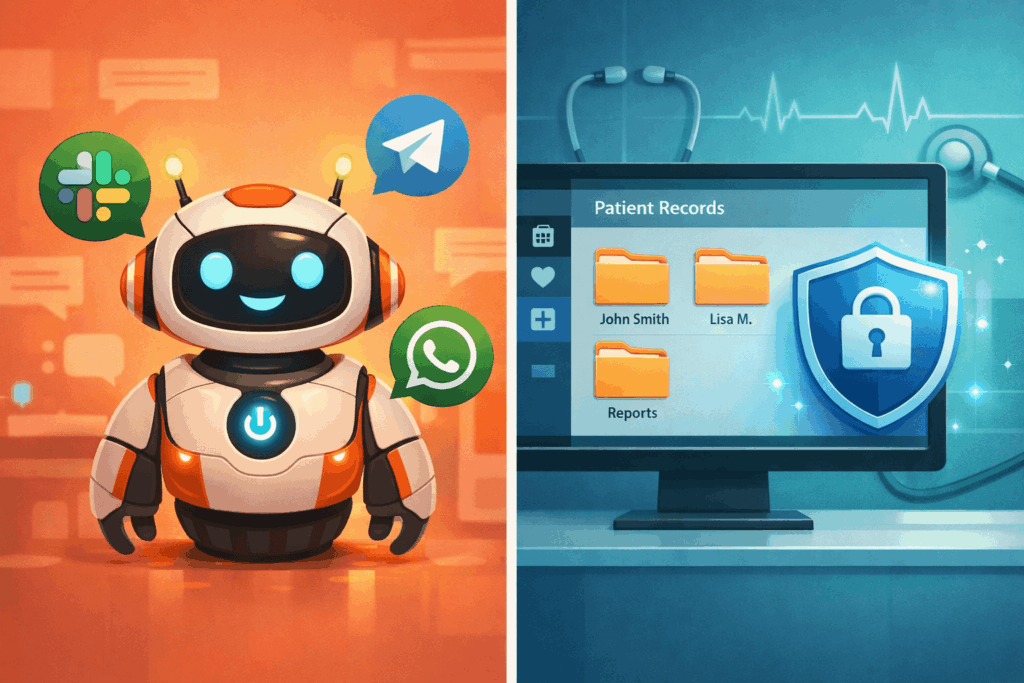
The emergence of agentic AI marks a shift in healthcare technology. Unlike traditional chatbots that only answer questions, AI agents can take actions across files, tools, and workflows—e.g., organizing document sets, extracting structured variables from reports, monitoring medical literature, and producing clinician-ready outputs.
In this article, I compare two specific tools that illustrate two different design philosophies:
- OpenClaw: an open-source, always-on agent that can run continuously and integrate with multiple services.
- Claude “Cowork”: a sandboxed desktop agent experience designed for safer, permissioned access to local and cloud documents.
The goal is practical: help clinicians understand where each tool fits, what the risks are, and how to choose safely.
What makes an AI “agent” different from a chatbot?
A chatbot explains how you would do something. An AI agent can often do it for you—for example: scanning a folder of PDF reports, extracting specific variables, and generating a spreadsheet or summary that you can review.
In healthcare, this difference matters because many high-value tasks are repetitive, document-heavy, and time-constrained. The trade-off is that agents typically require broader access to tools and data—which increases the need for strong security and governance.
OpenClaw: the always-on personal agent (open-source)
OpenClaw is an open-source tool that implements an “always-on agent OS” concept: you deploy it on your own machine or server, configure integrations (messaging, APIs, storage), and let it run persistently with memory and scheduled tasks.
Clinical use case: literature monitoring (low-risk, high-value)
You can configure an agent to scan PubMed (or other sources) daily for publications on a topic (e.g., transcatheter aortic valve replacement), then deliver a formatted briefing each morning.
This is a strong first use case because it can be done without patient data.
Key advantages: 24/7 operation, flexible integrations (messaging/services), model-agnostic (depending on setup), extensibility through community skills.
Limitations and risks: higher setup complexity; larger “attack surface” (plugins, credentials, network access); governance is on you (updates, audit, access control). In practice, treat any third-party plugin ecosystem as a potential supply-chain risk unless it is well-audited.
Claude “Cowork”: the secure, permissioned desktop agent approach
Claude “Cowork” is a desktop agent experience: the agent operates within a more controlled environment and can be limited to specific folders or connectors you explicitly authorize.
Clinical use case: retrospective data extraction from documents (only with safeguards)
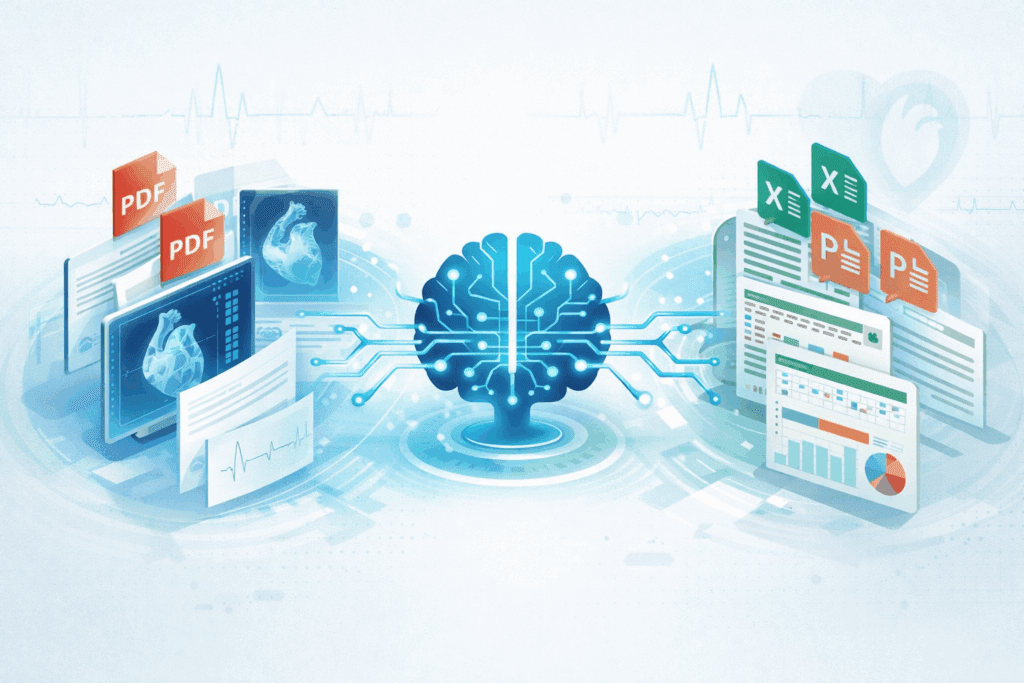
Example request on a folder of imaging reports:
“Extract left ventricular ejection fraction, wall motion abnormalities, and valve gradients from all reports. Produce a spreadsheet with one row per study and clear column definitions.”
The agent can read each document and propose structured output. The key is that you must validate results (spot-check, define extraction rules, and confirm edge cases).
Key advantages: easier onboarding, professional document outputs (spreadsheets/slides), clearer permissioning, typically better suited to institutional environments.
Limitations: usually paid; the desktop/app may need to remain active during tasks; may be limited to a single model family; long-running automation can be constrained.
Head-to-head comparison (high-level)
| Dimension | Open-source always-on agent (OpenClaw) | Sandboxed desktop agent (Claude “Cowork”) |
|---|---|---|
| Cost | Often free software (+ compute/API costs) | Typically subscription pricing |
| Setup complexity | Moderate–high (deployment, credentials, updates) | Low–moderate (app + permissions) |
| 24/7 automation | Often yes (server/background operation) | Sometimes limited (depends on product/runtime) |
| Integration flexibility | High (depends on your engineering) | Moderate (connectors provided) |
| Security posture | Depends on your hardening (risk if misconfigured) | Often stronger defaults via sandboxing/permissions |
| Best for | Research automation, monitoring, custom workflows | Document-heavy workflows with clearer controls |
Safety, GDPR/HIPAA, and clinical governance (don’t skip this)
This is the section that determines whether an agent is a productivity tool or a liability.
Rule 1: Treat patient data as a separate category. Do not paste or upload PHI/PII into consumer tools unless your institution has explicitly approved the workflow and a proper data-processing agreement (DPA/BAA) is in place.
Rule 2: Prefer de-identified datasets for automation. When possible, de-identify reports before agent-driven extraction.
Rule 3: Apply least privilege. Give the agent access only to the minimum folders/connectors needed.
Rule 4: Control credentials and plugins. Store secrets securely, rotate keys, and avoid untrusted plugins. Consider isolating open-source agents in containers/VMs and restricting network egress.
Rule 5: Audit and validate. Maintain logs, spot-check outputs, and define a review protocol. Agents can accelerate work, but they do not replace clinical judgment.
This article is for educational purposes and does not constitute medical advice. Any clinical output must be reviewed and validated by a qualified clinician. Use of patient data must comply with your institution’s policies and applicable regulations.
How to choose (a clinician-friendly decision framework)
Choose an always-on open-source agent approach if:
- You have technical support (or personal expertise) to deploy and secure it.
- Your primary tasks are low-risk automation (literature monitoring, admin workflows) or research pipelines.
- You need custom integrations and long-running schedules.
Choose a sandboxed desktop agent approach if:
- You prioritize safer defaults, permissioned access, and clearer governance.
- Your workflows are document-heavy and benefit from polished outputs.
- You want a lower-friction setup with fewer moving parts.
Bottom line: both approaches can materially improve clinician productivity—but the right choice depends less on “intelligence” and more on security model, governance, and workflow fit.
FAQ
Can I use AI agents with patient data?
Only if your institution approves the workflow and you have the appropriate legal and technical safeguards (DPA/BAA, access control, logging, retention policies). When in doubt, use de-identified data.
What is the difference between sandboxing and full system access?
Sandboxing limits what the agent can see and do (e.g., only a specific folder), reducing blast radius. Full system access is powerful but riskier, especially with plugins and credentials.
Do AI agents replace clinical judgment?
No. They can accelerate extraction, summarization, and drafting, but clinicians must validate outputs—especially with edge cases and ambiguous phrasing.
How should I evaluate an agent tool for a hospital?
Look for: data residency, encryption, audit logs, access controls, legal agreements, connector governance, incident response, and a clear human-in-the-loop validation process.
Keywords: AI agents healthcare, agentic AI, clinical workflow automation, sandboxed AI, medical document extraction, healthcare data governance